
Training | 01

$27

Get Your Digital Life Together

Chrome • Drive • Desktop

Stop wasting time searching, clicking, and digging. Clean up your digital workspace and set up the tools you use every day so you can find what you need - FAST.

Training | 01

Training | 02

$27

Get It Out Of Your Head

Calendar • Tasks • Keep

Your brain was never meant to be your to-do list. Set up simple ways to capture what you need to do, remember it at the RIGHT time, and free up some brain space.

Training | 02

Training | 03

$27

Stop Doing The Same Work Twice

 ChatGPT • Docs • Gmail • Templates

If you've already written it, created it, or figured it out once, stop starting from scratch. Learn how to use templates and AI to make repetitive work MUCH faster.

Training | 03

Training | 04

$27

Build Your Command Center

Google Sheets • Dashboards • Staff Resources • NotebookLM

Stop keeping important information in 17 different places. Learn how to bring what you track, use, and reference into one organized home base.

Training | 04

GO ALL IN & SAVE!

$79

Get All 4 Sessions • Save $$$$$

Why choose just one? Join me for the complete series and tackle the digital clutter, mental overload, repetitive work, AND all those things you can never seem to find.

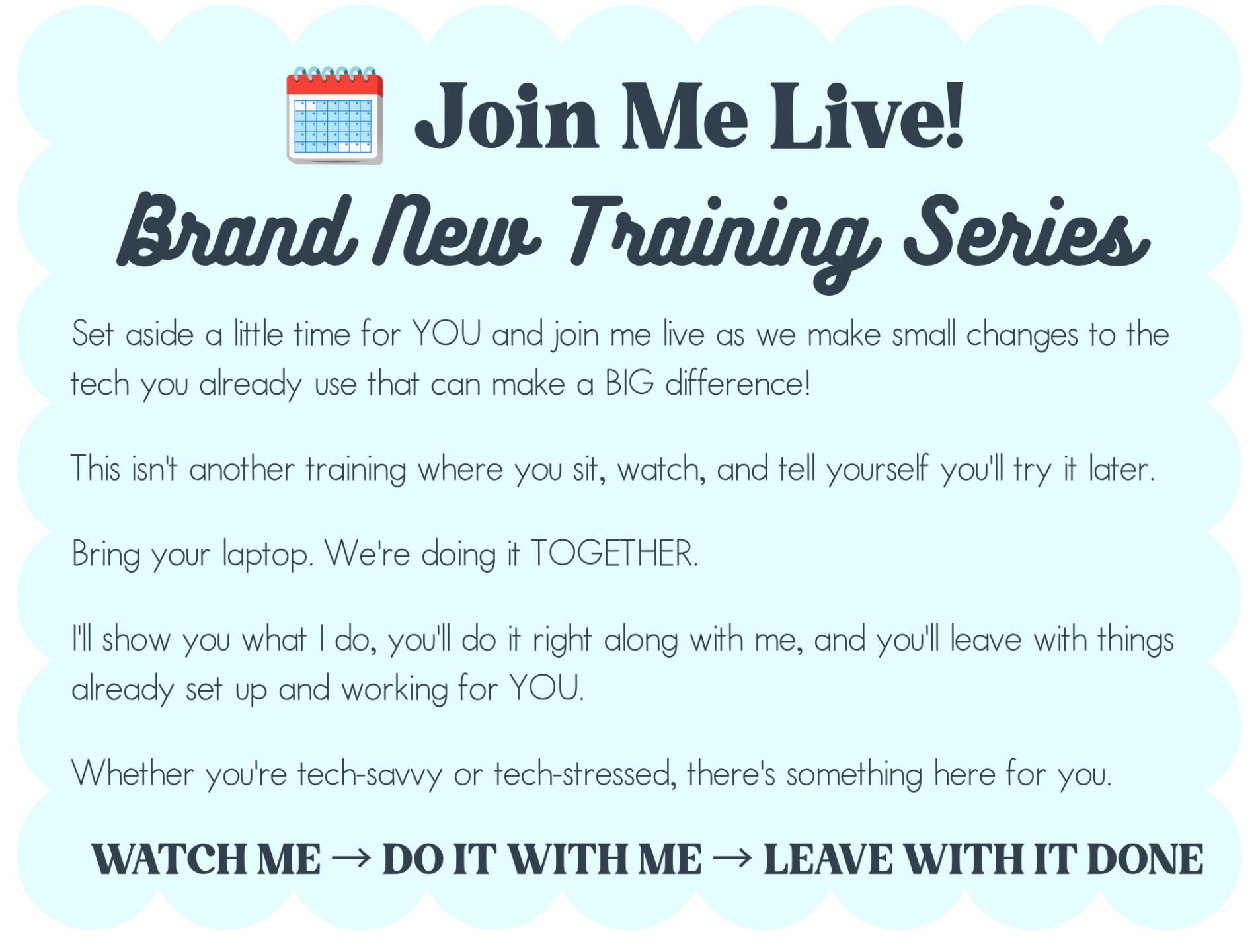
Four live, hands-on sessions designed to help your tech work harder so YOU don't have to.

More organized. Less overwhelmed. More of your 💗PRECIOUS💗 time back.

ALL 4 SESSIONS!

✨By the end of this FREE training, you will…

☑️ Declutter your Google Drive fast
 Learn a simple clean-up method so you can find what you need without digging through “Untitled Folder (3).”

☑️ Name files like a future-you would thank you for
 Set up a quick naming routine that makes lesson plans, data, and docs easy to search in seconds.

☑️ Create a digital to-do list you’ll actually check
 Use Google Keep to capture everything in one place—without sticky notes multiplying overnight.

☑️ Turn ideas into action (without opening 12 tabs)
Organize your Keep notes so your day feels clear and doable, not chaotic and loud.

☑️  Tame your inbox chaos automatically
 Set up Gmail filters and labels so emails sort themselves—bye-bye inbox overwhelm.

☑️  Find any email in seconds
 Label by category (parents, staff, newsletters, meetings) so you’re not playing “search bar roulette.”

☑️  Turn emails into tasks in one click
 Learn how to send emails straight to Google Tasks so nothing gets lost in your inbox.

☑️  Make Gmail, Tasks, and Calendar work together
 Learn how to send emails straight to  Create a smooth workflow so your to-do list and schedule stay synced—no more “I know I saw that email somewhere…”

Hiiiiiiiiiii,

I’m Lauren - an educator who’s passionate about helping other educators save time, stay organized, and reduce the daily stress.

As a current administrator and former classroom teacher, I know how important it is to use tech in a way that makes your day easier - and actually fits how you work. From ready-to-use templates to practical, time-saving tips, I love sharing simple tools that make a big impact.

Whether you’re brand new to the classroom or a veteran educator looking for a refresh, this challenge is designed to help you work smarter, not harder.

Can’t wait to tech our time back together! 😊

I'm ready to get my time back! 👌🏼